Small businesses often spend a surprising amount of time on repetitive work.
Following up with leads. Answering the same customer questions. Scheduling appointments. Processing documents. Preparing reports.
None of these tasks are necessarily difficult — but together, they can consume hours every week.
That is where AI automation can help.
Instead of asking employees to manually handle every repetitive step, businesses can use AI-powered workflows to handle routine work automatically while people stay focused on decisions, relationships, and higher-value tasks.
The important question is not:
"Can we automate everything?"
It is:
"Which repetitive task should we automate first?"
What Is AI Automation?
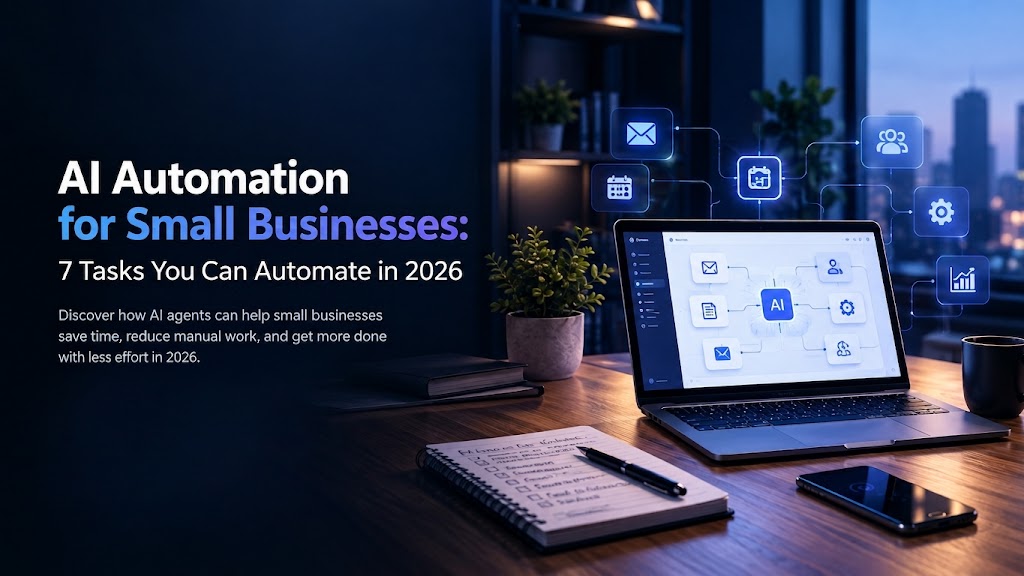
AI automation combines artificial intelligence with automated workflows to complete tasks that normally require manual effort.
Traditional automation usually follows predefined rules:
"When X happens, do Y."
AI automation can add more flexibility by helping systems understand information, classify requests, summarize content, generate responses, and decide which workflow should happen next.
For example:
A customer sends an inquiry → AI understands the request → the system checks the relevant information → a response is prepared → the inquiry is routed to the right person.
The goal is simple:
Reduce repetitive work without removing the human oversight that matters.
7 Tasks Small Businesses Can Automate
1. Lead Capture and Follow-Up
A new lead comes in through a website form, social media, email, or another channel.
Instead of manually copying the information into a CRM and remembering to follow up, an automated workflow can:
- Capture the lead
- Organize the information
- Identify the type of inquiry
- Send an initial response
- Notify the right team member
- Schedule a follow-up
- Update the CRM
This helps businesses respond faster and reduces the chance of losing leads because someone forgot to follow up.
2. Customer Support and Common Questions
Many businesses receive the same questions repeatedly.
AI automation can help handle common requests such as:
- Business hours
- Service information
- Order or booking questions
- Basic product information
- Frequently asked questions
- Request routing
The AI can handle straightforward questions and send more complex situations to a human team member.
This creates a better balance:
AI handles repetitive questions.
People handle conversations that require judgment, empathy, or expertise.
3. Appointment Scheduling
Scheduling can create unnecessary back-and-forth.
AI-powered scheduling workflows can help customers:
- Request an appointment
- Check available times
- Select a suitable slot
- Receive confirmation
- Get reminders
- Reschedule when necessary
For businesses that receive many appointment requests, this can remove a significant amount of manual coordination.
4. Email and Inbox Management
Important information can easily get buried inside a busy inbox.
AI automation can help by:
- Categorizing incoming emails
- Identifying urgent messages
- Summarizing long conversations
- Extracting important information
- Drafting responses
- Forwarding messages to the appropriate team
Instead of manually reviewing every message, employees can focus on the emails that actually require their attention.
5. Document and Data Processing
Businesses work with documents every day.
Invoices, forms, applications, reports, contracts, receipts, and other files often contain information that needs to be manually reviewed or entered into another system.
AI automation can help extract and organize information from documents.
For example:
A business receives an invoice → AI extracts the relevant information → the data is structured → the information is sent to the appropriate system → a team member reviews it when necessary.
This can reduce repetitive data-entry work and make information easier to process.
6. Reports and Business Summaries
Business information often exists across multiple systems.
AI automation can collect relevant information and turn it into easier-to-understand summaries.
For example:
Sales data + customer activity + support information → automated summary → management receives a clear overview.
Instead of spending hours preparing the same report every week, teams can automate the repetitive preparation steps and spend more time analyzing the results.
7. Internal Business Workflows
AI automation is not only for customers.
Many repetitive internal processes can also be automated.
Examples include:
- Employee requests
- Task assignment
- Notifications
- Data synchronization
- Approval workflows
- Internal reminders
- Updating multiple systems
- Creating routine summaries
The best opportunities are usually workflows where the same process happens repeatedly.
What Should You Automate First?
Do not start by trying to automate your entire business.
Start with one workflow.
A good first automation usually has these characteristics:
- It happens frequently
- It follows a reasonably clear process
- It takes noticeable manual time
- Errors or delays create problems
- The result can be measured
For example, if your team spends several hours every week manually following up with leads, that may be a better automation opportunity than a process that happens only once a month.
Start small.
Measure the result.
Then expand.
What You Should NOT Automate
Not every business process should be fully automated.
Tasks involving sensitive decisions, complex customer situations, important approvals, or high business risk may still require human involvement.
AI automation works best when it supports people rather than blindly replacing judgment.
A good workflow should also include appropriate human review where necessary.
AI Automation vs AI Agents
AI automation and AI agents are related, but they are not exactly the same.
AI automation generally focuses on making a predefined workflow faster and more efficient.
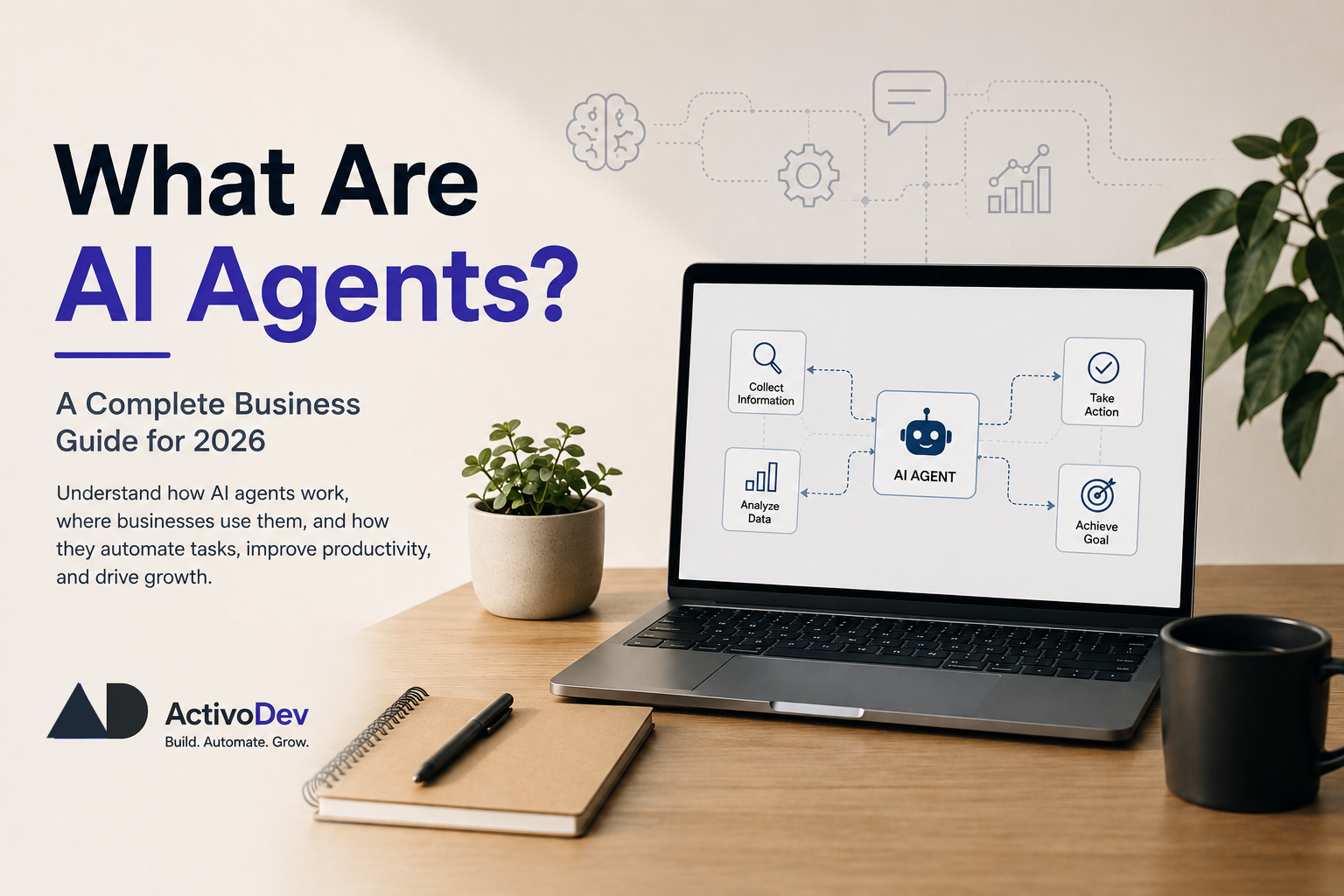
AI agents can go further by understanding a goal, deciding what steps are needed, using available tools, and taking actions.
If you want to understand the difference in more detail, read our guide:
"What Are AI Agents? A Complete Business Guide for 2026"
Does AI Automation Mean Replacing Employees?
Not necessarily.
For most small businesses, the more practical goal is to reduce repetitive work rather than replace people.
If an employee spends hours every week copying data, answering repetitive questions, preparing routine reports, or coordinating simple tasks, automation can handle some of that workload.
The employee can then spend more time on work that requires:
- Judgment
- Creativity
- Communication
- Strategy
- Problem-solving
- Customer relationships
The strongest automation strategies usually combine AI efficiency with human decision-making.
How Much Does AI Automation Cost?
There is no single price for AI automation.
The cost depends on factors such as:
- Number of workflows
- Complexity of the process
- Existing software and systems
- AI services being used
- Required integrations
- Level of customization
- Maintenance requirements
A small workflow may be relatively simple to implement, while a larger automation system involving CRM, databases, APIs, customer support, and internal systems requires more planning and development.
The best approach is to start with a workflow that has a clear business benefit and measurable outcome.
How to Get Started With AI Automation
You do not need to automate everything at once.
Start with these steps:
Step 1: Identify repetitive work
Look for tasks your team performs again and again.
Step 2: Measure the current process
Estimate how much time the task takes and where delays or mistakes happen.
Step 3: Choose one workflow
Pick a process that is repetitive, measurable, and relatively straightforward.
Step 4: Design the automation
Define what triggers the workflow, what AI should do, what systems it needs to access, and where human approval is required.
Step 5: Test before expanding
Run the workflow carefully and monitor the results.
Step 6: Improve and scale
Once the first automation works reliably, identify the next process that could benefit.
Final Thoughts
AI automation does not have to mean building a complicated AI system.
For many small businesses, the best opportunity is much simpler:
Find repetitive work.
Automate the right parts.
Keep humans involved where they add the most value.
The businesses that benefit most from AI automation are not necessarily the ones using the most AI.
They are the ones using it to solve the right problems.
Quick Takeaways
- AI automation can reduce repetitive manual work.
- Small businesses can start with simple workflows.
- Lead follow-ups, customer support, scheduling, documents, reporting, and internal processes are common opportunities.
- You do not need to automate everything at once.
- Human oversight is still important for complex or sensitive decisions.
- Start with one measurable workflow and expand from there.
Frequently Asked Questions
1. What is the easiest task for a small business to automate?
Lead follow-ups, appointment scheduling, common customer questions, and routine data processing are often good starting points because they are repetitive and relatively easy to measure.
2. Can a small business use AI automation without a large technical team?
Yes. The right approach depends on the workflow, existing software, integrations, and level of customization required.
3. Is AI automation the same as an AI agent?
No. AI automation usually follows a defined workflow, while AI agents can be more goal-oriented and capable of deciding which actions to take.
4. Can AI automation make mistakes?
Yes. AI systems can make incorrect decisions or generate inaccurate information. Important workflows should include validation, monitoring, and human oversight where appropriate.
5. How should a business start with AI automation?
Start with one repetitive process that consumes noticeable time and has a measurable outcome. Test it, improve it, and then expand to other workflows.
Want to identify where AI automation could save time in your business?
ActivoDev helps businesses build practical AI, automation, and custom software solutions designed around real workflows and business needs.
Explore our AI & ML Integration service or contact ActivoDev to discuss your automation requirements.